Every kind of market data a script can read
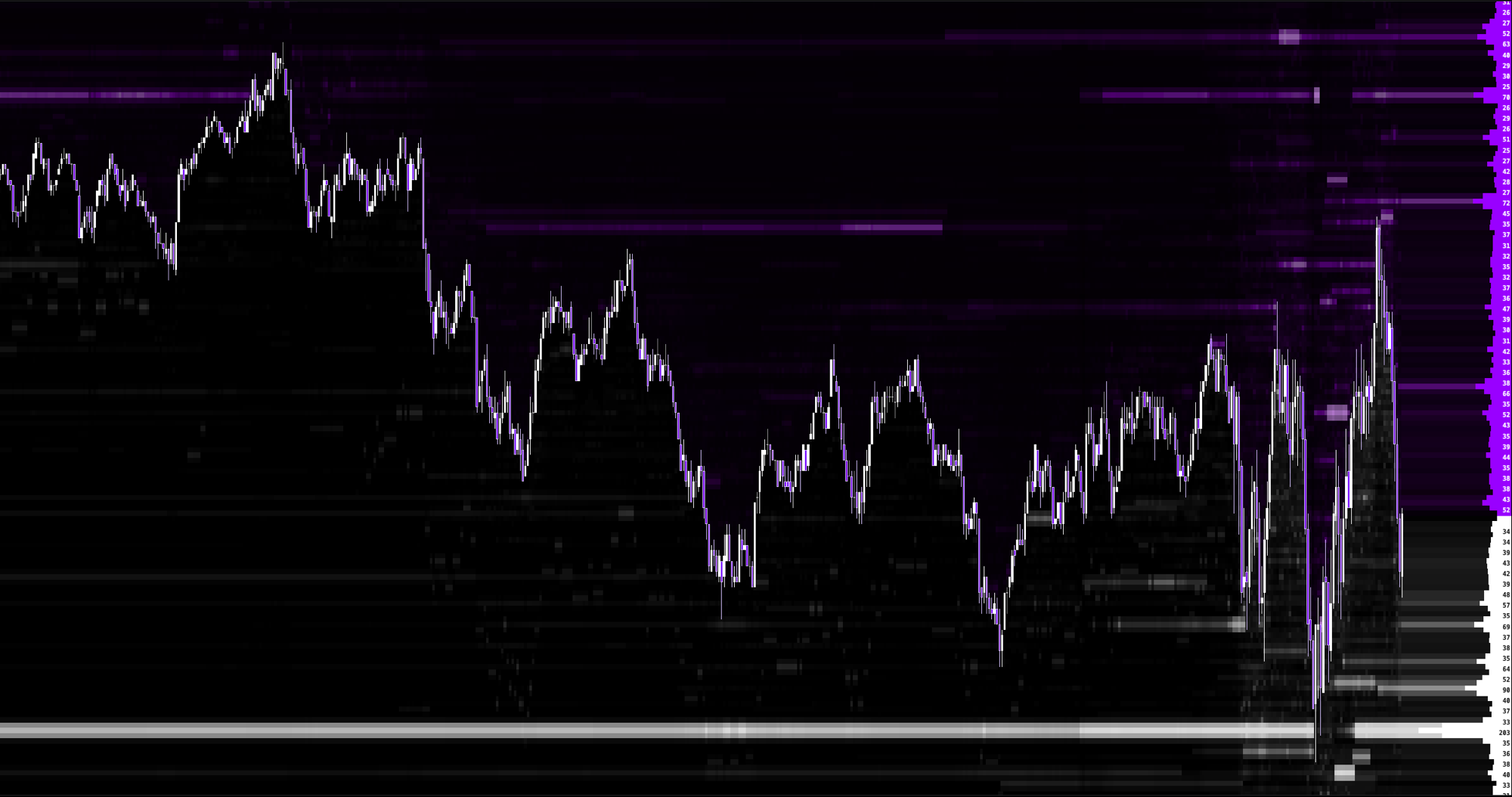
A script never connects anywhere and never sees a credential. It reads the data of the chart it sits on, and when it reads depth of book, individual orders or options gamma, the chart loads that data for it by itself, through the same access checks the chart applies to its own indicators. You do not need to add a heatmap, an order indicator or a gamma indicator first. Each kind of data below is reached through its own family of builtins, aligned to the bar your script is on.
| Data | Builtins | When it is there |
|---|---|---|
| Candles: open, high, low, close, volume, time | the globals | Always: every chart, every bar type, every datafeed, live and in replay up to the playhead. |
| Aggressor totals: buy volume, sell volume, delta | tape.volume, tape.buy_volume, tape.sell_volume, tape.delta | Always, wherever the chart has aggressor totals, which is the normal case on futures. |
| Individual trades, the time and sales | tape.* | Always. Bars built from the tape (range, volume, tick, delta, seconds) carry every print across the window. On time bars older history arrives as finished candles, so guard with tape.prints_available(). |
| Footprint ladder: bid and ask volume per price | cell.*, profile.fold, chart.tick_size | Always, on every bar the chart holds a ladder for. Guard with cell.available(). |
| Sessions and time | time.*, session.* | Always. |
| Higher timeframe candles | mtf.* | Always, built from the bars the chart holds. |
| Level 1: best bid and offer | l1.* | Live charts only. Each bar keeps the last quote it saw, how many quotes it saw and the spread they showed, from the moment a script reading l1.* is on the chart. In replay the settings say Live Quotes Required. |
| Level 2: depth of book per price | l2.* | With Market Depth access. Live, on every bar since the script started running on the chart; in replay, the recorded book on every bar up to the playhead. |
| Level 3: individual orders and every add, change, fill and cancel, market by order | mbo.* | With Market Depth access. Live, and in replay the recorded orders up to the playhead. |
| Options gamma, GEX | gex.* | With your own GEXBot key, at your GEXBot tier. Live only: every publication since the script started running on the chart, never in replay. |
| Big Trades markers | bigtrades.* | What the Big Trades indicator draws, when it is visible on the same chart. |
| Zones, gaps, boxes, markers, levels, stats and candles other indicators draw | effort_zones.*, range_absorption.*, fvg.*, stop_run.*, iceberg.*, delta_spike.*, important_levels.*, the GEX level families, orderflow_stats.*, chart_stats.*, candle_stats.*, cot.*, net_gex.*, dealers_flow.*, speed_of_tape.*, bigtrades_mbo.*, iceberg_mbo.*, overlay_chart.*, hft_candles.* and the rest | What that indicator draws, when it is visible on the same chart. The present time families (the GEX lines on the newest bar, Orderflow Stats, Dealers Flow) follow the indicator itself, so most read nothing in replay. |
| Session levels | session_profile.*, session_tpo.*, trading_sessions.*, ivb.* | That indicator visible on the same chart, which supplies its own settings. No look-ahead. |
| An open built in indicator you extend | base.* | Always: declare it with indicator(name, base) and the builder computes it for your script. |
Two questions, asked every time
Quotes, depth, orders and gamma are not on every chart, so each of those families answers two separate questions and a well written script asks both.
| Question | Means |
|---|---|
| <family>.supported() | Whether this chart carries that data at all. False when the data is not part of your access, when the datafeed does not carry it, or when the chart is in replay and the data has no recorded twin. |
| <family>.available() | Whether there is something for THIS bar. Supported data still answers nothing for a bar older than what the chart loaded. |
Write both checks and give the script something to draw either way. An indicator that goes blank on a chart without depth reads as broken; one that says what it can with the tape and adds the depth when it is there reads as finished.
When a script reads data the chart cannot give it, the script still runs, and the settings under the editor say what is missing in one line: Market Depth Required for depth and orders, GEX Data Required for gamma, Live Quotes Required for quotes, and the indicator's own name, such as Effort Zones Required or Session Volume Profile Required, for an indicator a script reads by name that is not on the chart.
dxFeed and Rithmic charts
| Data | Live chart on dxFeed | Live chart on Rithmic | Replay |
|---|---|---|---|
| Candles, aggressor totals, sessions | Yes | Yes | Yes, up to the playhead |
| Individual trades and the footprint ladder | Yes | Yes | Yes, up to the playhead |
| Level 1 quotes | Yes | Yes | No |
| Level 2 depth | With Market Depth access | Yes | With Market Depth access, the recorded book |
| Level 3 individual orders | With Market Depth access | Yes | With Market Depth access, the recorded orders |
| Options gamma | With your GEXBot key | With your GEXBot key | No |
| Indicators read by name | What the indicator draws | What the indicator draws | What the indicator draws, up to the playhead |
Replay and backtesting always run on dxFeed history, whichever datafeed your live chart uses, so on Rithmic depth and orders are a live feature. The script itself is identical on every datafeed; only what the chart holds differs, and supported() and available() tell the script which case it is in.
The window a script sees
- A script runs over every bar the chart has loaded, up to 200,000 bars, and bar_count states how many it got.
- A script that declares a very large number of series is given fewer bars, so that the series storage stays within 8,000,000 values: the window becomes 8,000,000 divided by the number of top level let and var declarations.
- A script that reads individual prints or ladder rows over a very long window is likewise given the newest bars whose prints and rows fit comfortably within the 1,000,000 market item ceiling.
- Whenever the window is trimmed, the settings under the editor say History Limited To N Bars, and the drawing still lands on the right candles.
- bar_index counts from the left edge of the window and bar_count states how long it is, so bar_index == bar_count - 1 and last_bar are the same question.
- The script runs on the same instrument, timeframe and session the chart is showing. There is no way to request another symbol or another timeframe from inside a script.
- There is no clock, no random source, no network, no storage and no locale. The same source over the same data always produces the same drawing.