- Arrange your charts, indicators and panels the way you like.
- Open the workspace menu and choose Save.
- Give the workspace a name, or double click an existing one to overwrite it.
- Load it any time to restore the full setup.
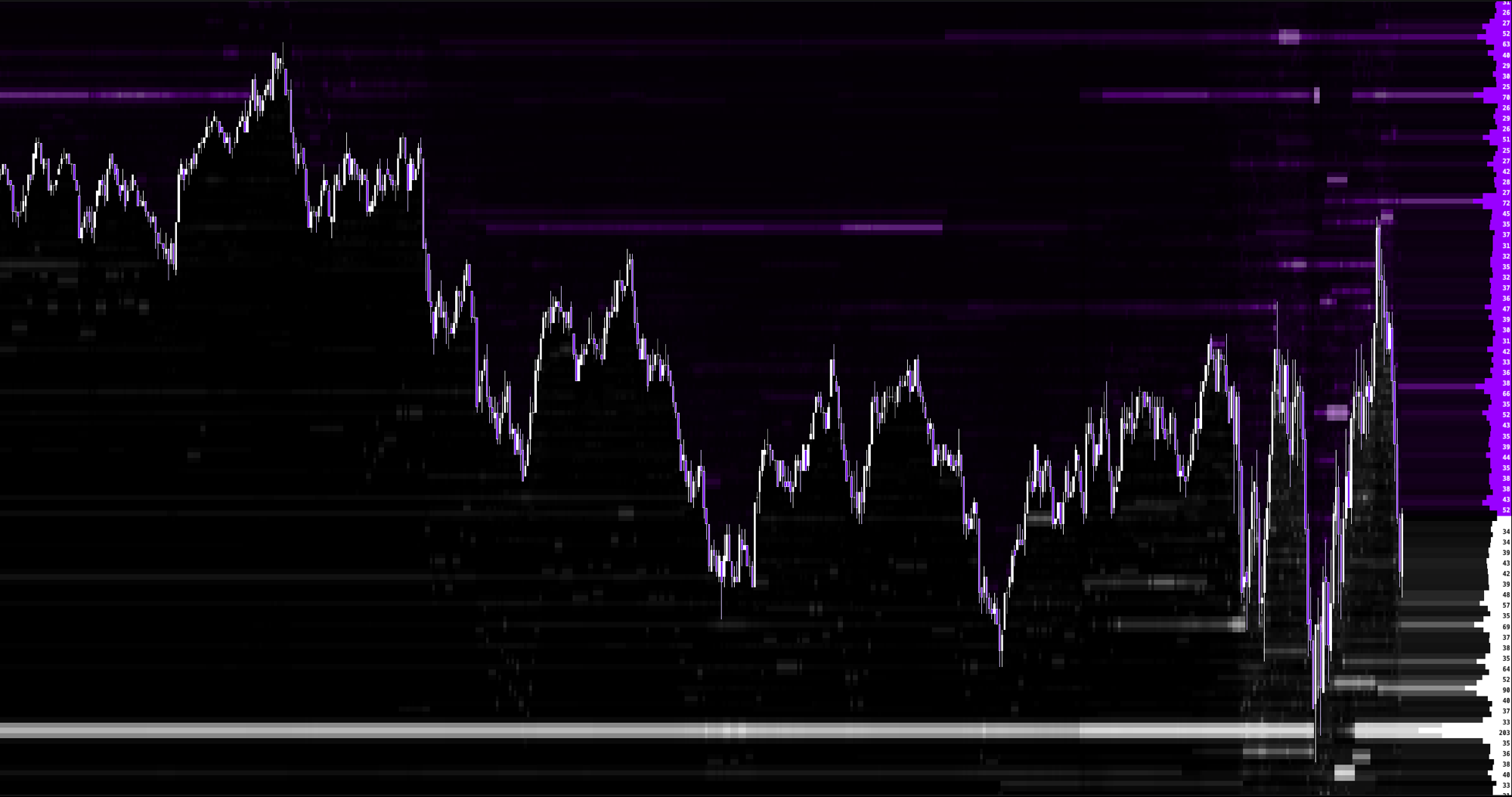
Every layer of the market, orderflow to optionflow, on one chart.
Institutional grade orderflow data with backtesting and journaling built in. Join the waitlist for early access.
Get Access