Getting StartedUpdated:
Open Your First Chart
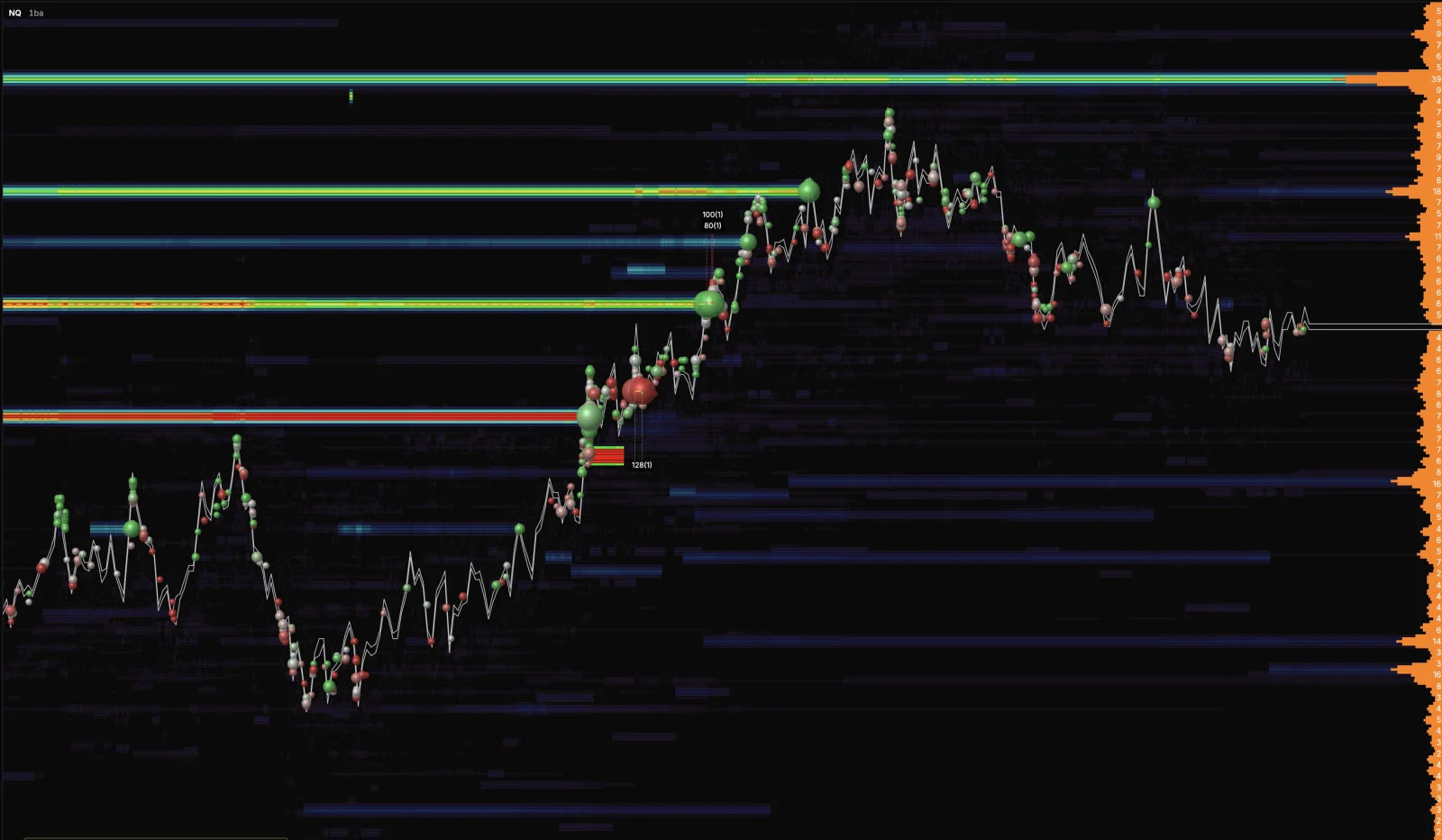
Open a live Orderflow chart in a few clicks, straight in your browser.
- Open XFlow Charts and sign in.
- Pick the symbol you want to trade from the symbol selector.
- Choose a timeframe, time, range or volume based.
- The chart loads and starts streaming live, with nothing to install.