AlphaNew FeaturesImprovementsFixes
XFlow Charts Version 0.316 Release Notes
This release took XFlow Charts off the browser tab and onto every screen you own. There is now a desktop app with its own local data cache for offline replay, a phone app, and a single license key that signs you in on all of them.
Underneath that, we rebuilt how workspaces are stored, made replay keep up at two hundred times speed, and tracked down a data bug that had been quietly inflating volumes for weeks.
Apps and Access
- New XFlow Charts desktop app for macOS and Windows, with multi window layouts, an always on top replay control and a download manager.
- Desktop keeps a local cache of market data, so you can download a symbol and a week and replay it fully offline.
- New phone app so your charts and drawings travel with you.
- One license key signs you in on desktop, phone and the website, with clear error screens for offline, server and session problems instead of a blank page.
Workspaces
- Workspaces now save everything that is open: every window, every split layout, and each panel with its own symbol, timeframe, indicators and settings.
- One active workspace follows you across web, desktop and phone, so opening the app anywhere restores the same setup.
- Drawings sync across devices and stay attached to the right workspace, with failed writes retried instead of silently dropped.
- Explicit save with an unsaved indicator, so nothing changes under you.
Replay and Backtesting
- Replay runs across several panels at once on one shared clock and one shared control, with the timeframe still per panel.
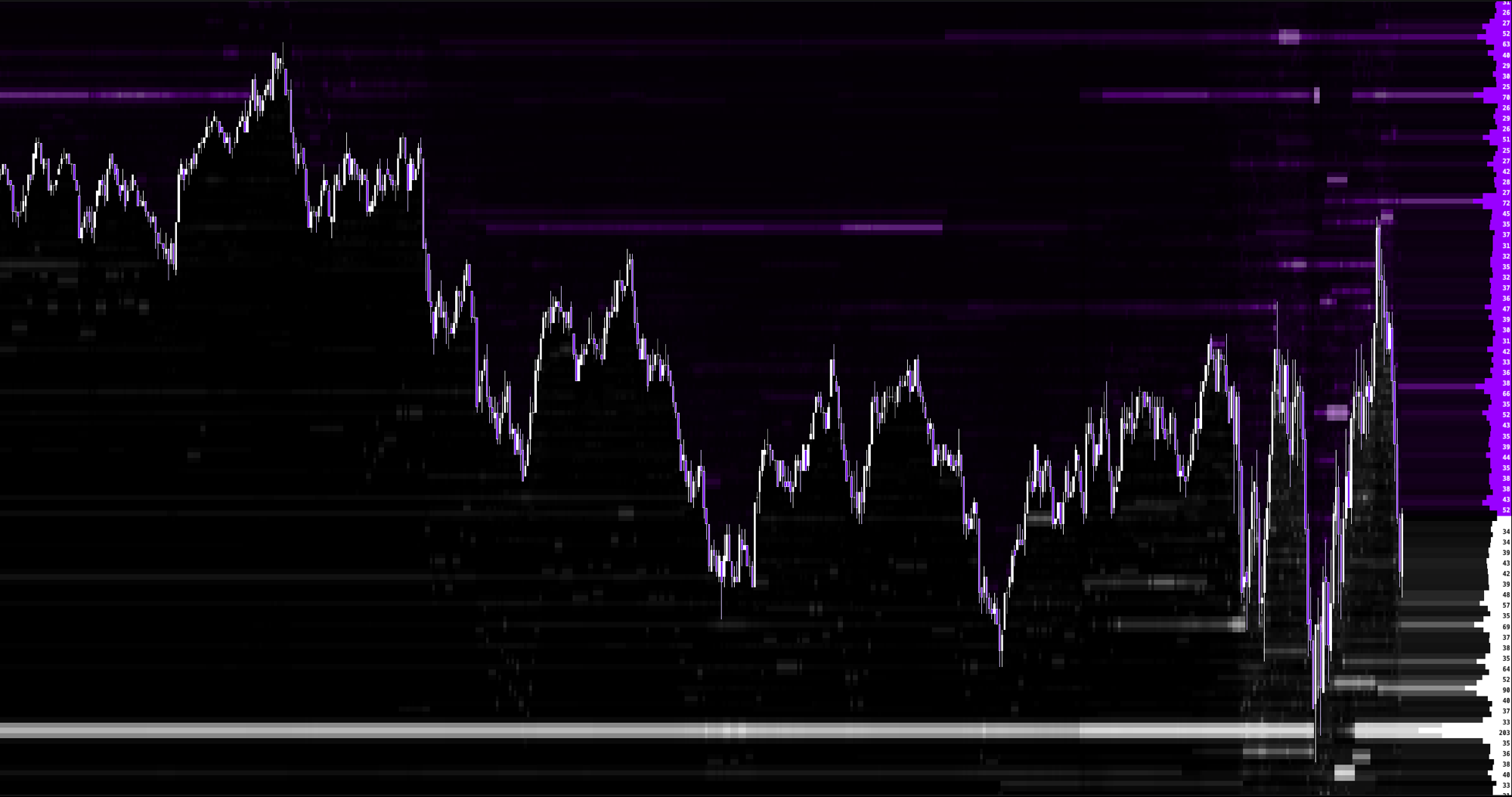
- Heatmap now keeps up at two hundred times speed, and the smear that trailed off the right edge is gone.
- Trade replay sessions into a simulated account, so replay results land in your journal and account stats.
- Backtest history is served from the local cache on desktop, so scrubbing is instant after the first download.
Indicators and Data
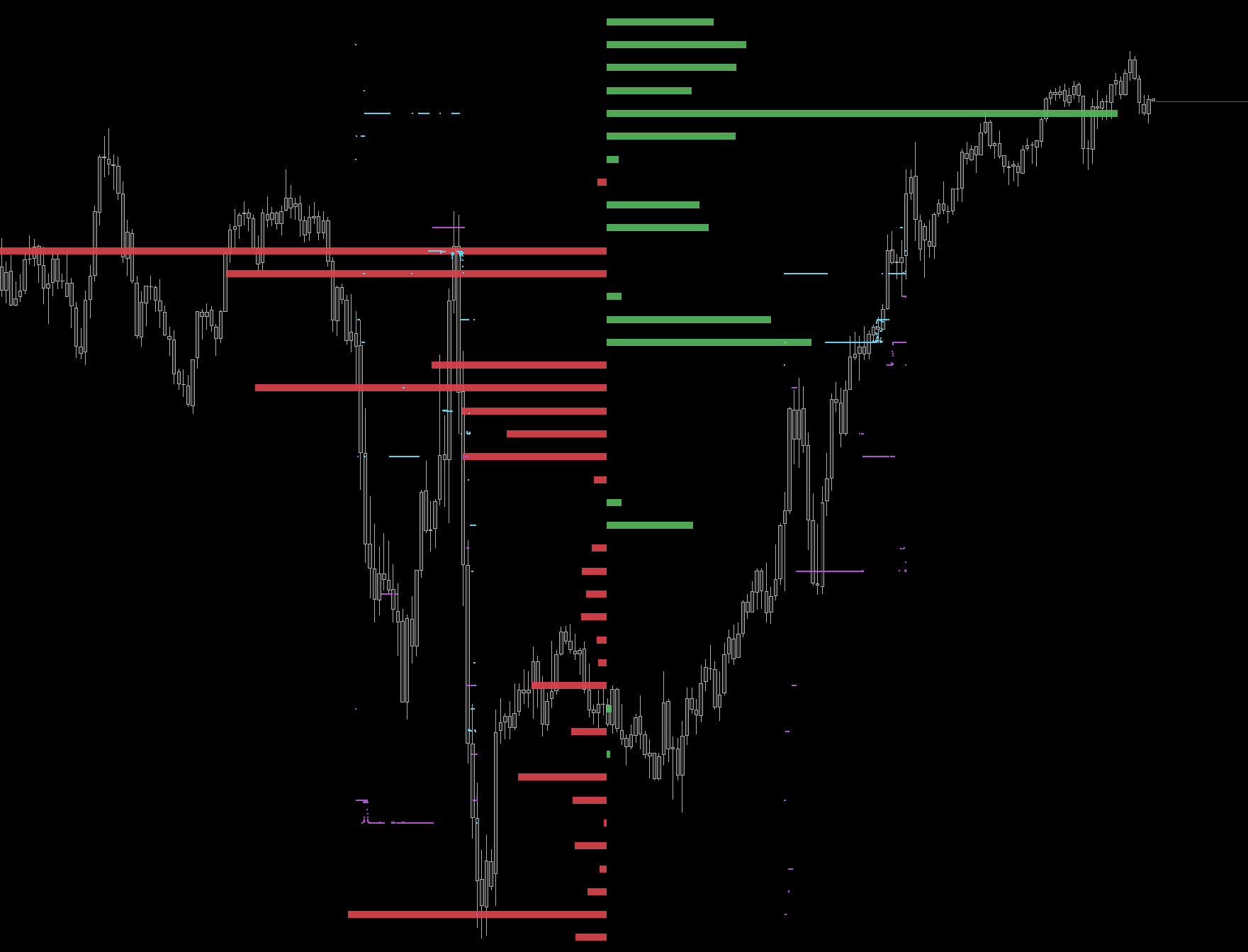
- GEX Classic and GEX State rebuilt to full parity: profiles, alignments, volume against open interest, editable colors and two day history trails.
- Gamma exposure now builds from the full OPRA options chain.
- Footprint Multi Column, so one candle can show up to four columns side by side.
- Rithmic is now available as a datafeed for charting and backtesting, alongside dxFeed.
Graphics
- New analytic anti aliasing for diagonals, so trendlines, VWAP and gamma lines render smooth instead of stepped.
- Correct rendering on fractional display scaling, which mostly affects Windows laptops.
- Hairline wicks, sharper footprint cell borders and crisper handles and arrowheads.
Fixes
- Fixed the tape duplication that inflated footprint volumes and printed big trade markers at exact multiples. A failed feed connection was left attached while a replacement opened, so every reconnect added another copy of the tape. All nine chart types now match the source feed exactly.
- Fixed big trade markers being silently dropped on range and volume charts.
- Fixed drawings being lost when a chart template was loaded.
- Fixed the order book heatmap being anchored to the wrong session start, which shifted history by an hour on some days.
- Faster chart loading by only requesting footprint data when an indicator actually reads it.
Final Notes
This release turned XFlow Charts into a platform that follows you across devices rather than a single browser tab.
The tape fix in particular came from users reporting inflated volumes, and it is exactly the kind of report that keeps making this better.