AlphaNew FeaturesImprovementsFixes
XFlow Charts Version 0.326 Release Notes
Two weeks of work shipped in nine website releases between September 28 and September 30, together with new desktop and phone apps.
Below is an overview by area.
Apps
- Desktop and phone apps 1.0.35 through 1.0.40, with the desktop app for macOS and Windows.
- The apps now keep market data on the device and open their own feed connections, so charts reuse what is already stored.
- On desktop, chart, indicator, Time & Sales and DOM settings open as their own windows that stack instead of replacing each other.
Indicators
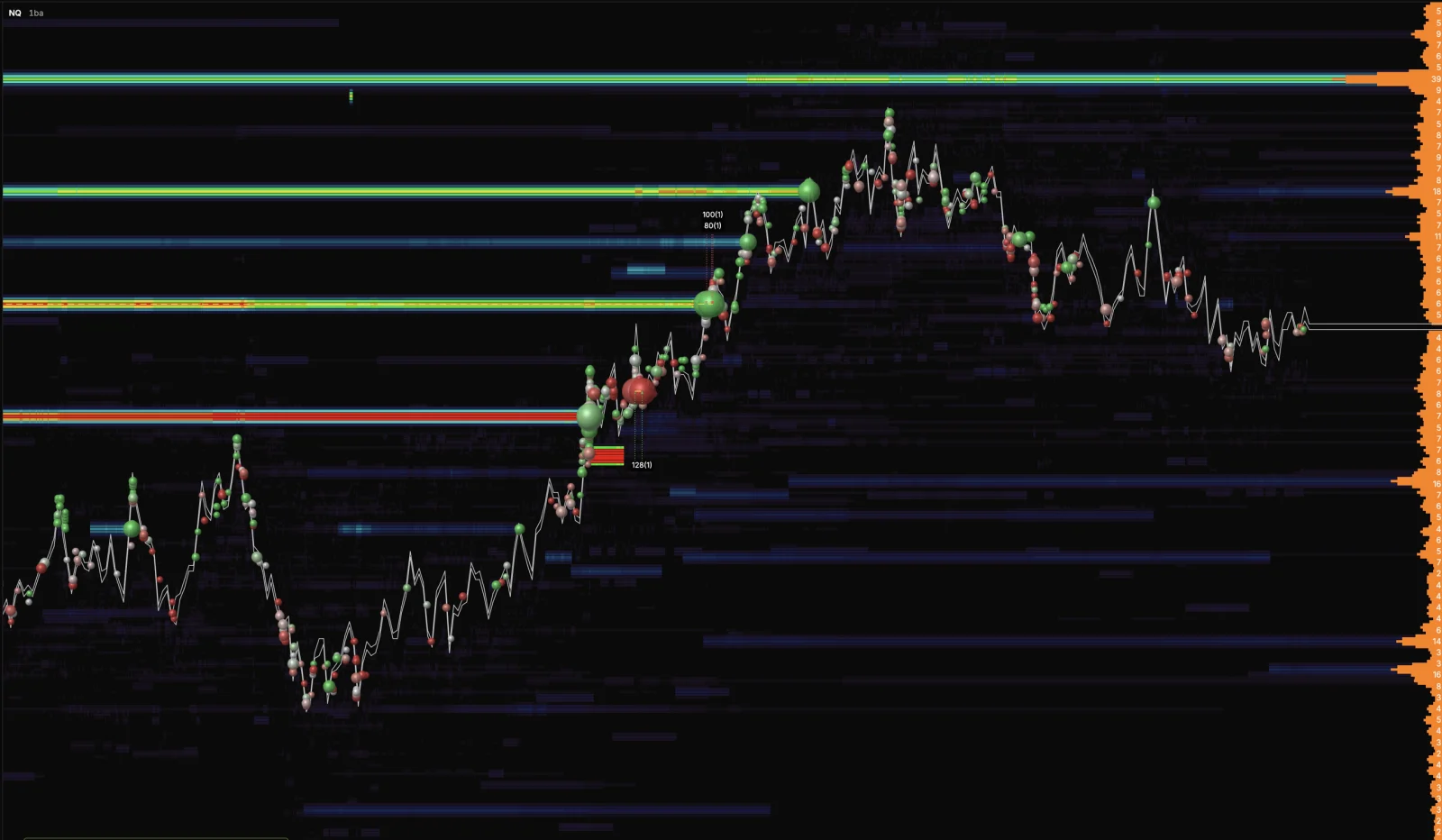
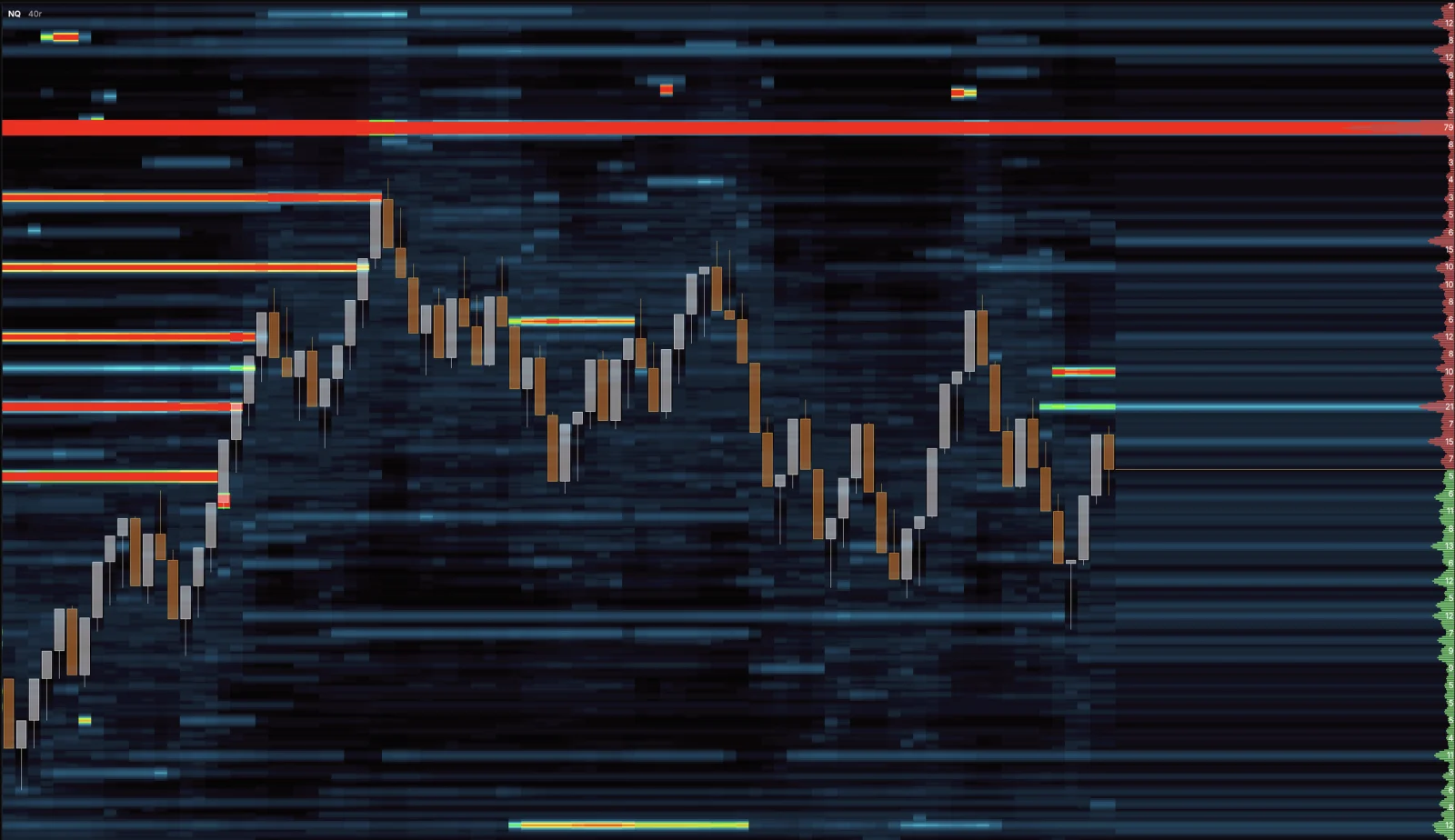
- Heatmap (GPU) is now offered to every account, next to the standard Heat Map.
- Every main chart indicator can be layered above or below the price bars, from its settings or by dragging it in the list.
- Scale label, one setting on every indicator that prints its level on the price scale.
- A maximum size filter next to the minimum on Big Trades, Iceberg MBO, Delta Spike and volume profiles.
- Effort Zones run on every timeframe for NQ, ES, RTY, YM and GC and cover the whole loaded window.
- Important Levels offers all six periods, and the Volume indicator can print the volume inside each bar.
Drawings and Chart
- Every drawing can go above or below the price bars, and can print its price levels on the scale and beside the drawing.
- Every shape and line can carry text, and every drawing has a Coordinates tab with an editable price and bar for each anchor.
- One text style control for colour, size, bold and italic across indicators, chart settings, DOM and Time & Sales.
- Adjust for rollover per chart, one synced time zone across the platform, and a price scale menu that copies the price it stands on.
- Line length and extend left settings for every order and position label.
Data
- Charting from your own Rithmic login is open to every XFlow Charts user.
- The chart datafeed is one choice per device, so switching it in any panel moves every panel and window.
Fixes
- Fixed lag and a memory leak in split screen layouts.
- Fixed Rithmic stop loss, take profit and break even prices that did not sit on the tick grid.
- The Rithmic message Order is complete is no longer shown as a notification.
Final Notes
This release moved the apps onto their own data and gave the chart a real layer order.
As always, your feedback continues to guide what we build next.