AlphaNew FeaturesImprovementsFixes
XFlow Charts Version 0.324 Release Notes
This week focused on what happens inside the price chart: more ways to build bars, more tools on the rail, and trading controls that show an order and its protection before anything fills.
Here is what landed.
Chart Types and Tools
- New Renko bars and Tick Imbalance bars, built from the tape and identical live and in history.
- New Magnification lens on the tool rail, and one right click now cancels any rail tool.
- The Magnification lens also works on columns and sub panels.
- New measurement box that reports what is inside its frame.
- The lock now holds the right edge gap you set across zooms, and the price scale has its own lock menu.
Indicators
- New Delta Spike indicator with one marker on every bar whose delta reaches your threshold.
- Important Levels can draw the open, high, low, POC, value area and VWAP of the current day, with its own label text colour.
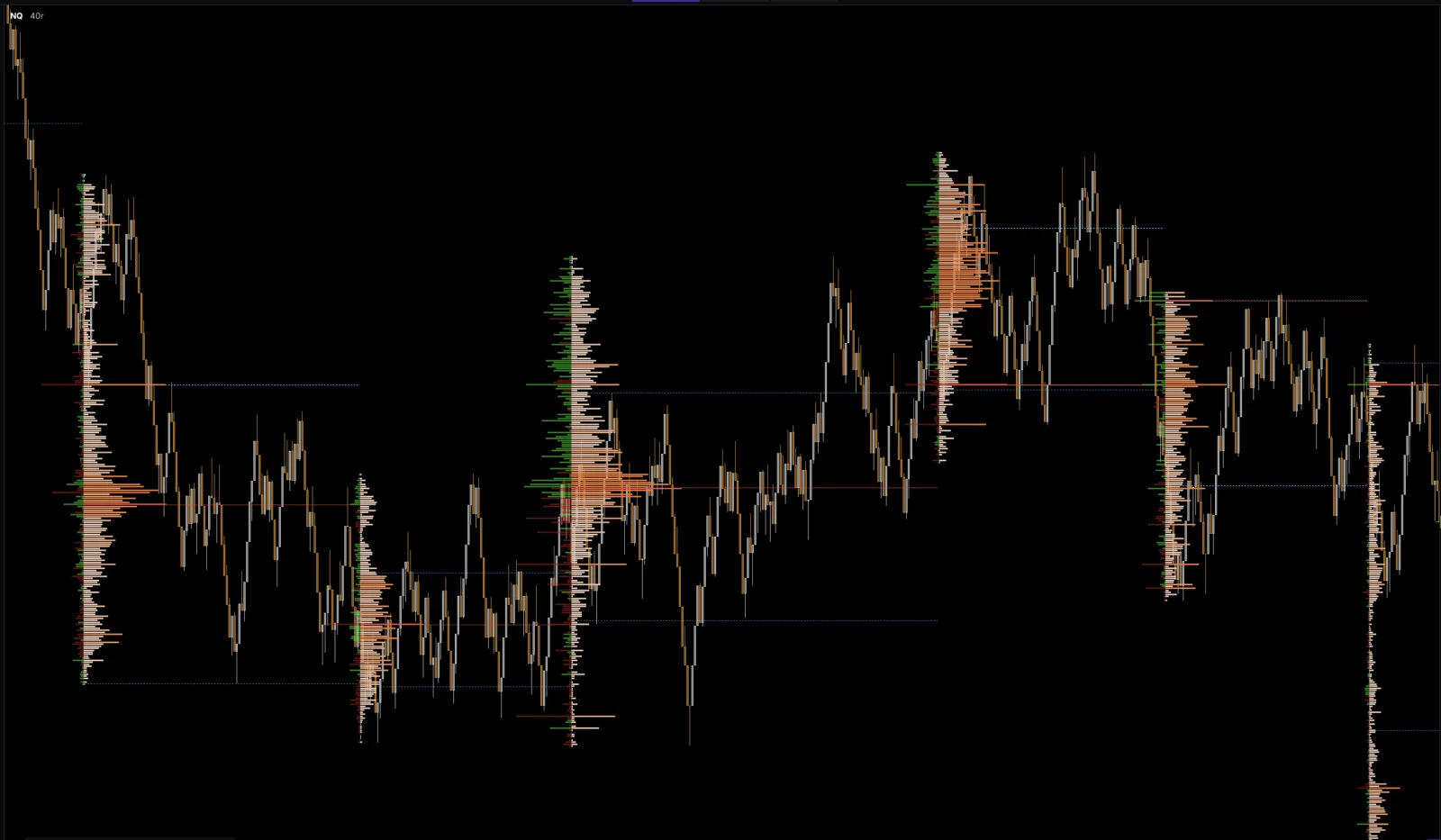
- Profiles gain a Structure length with one profile per swing leg, and a visual mode that keeps POC, value area and labels while the histogram stays hidden.
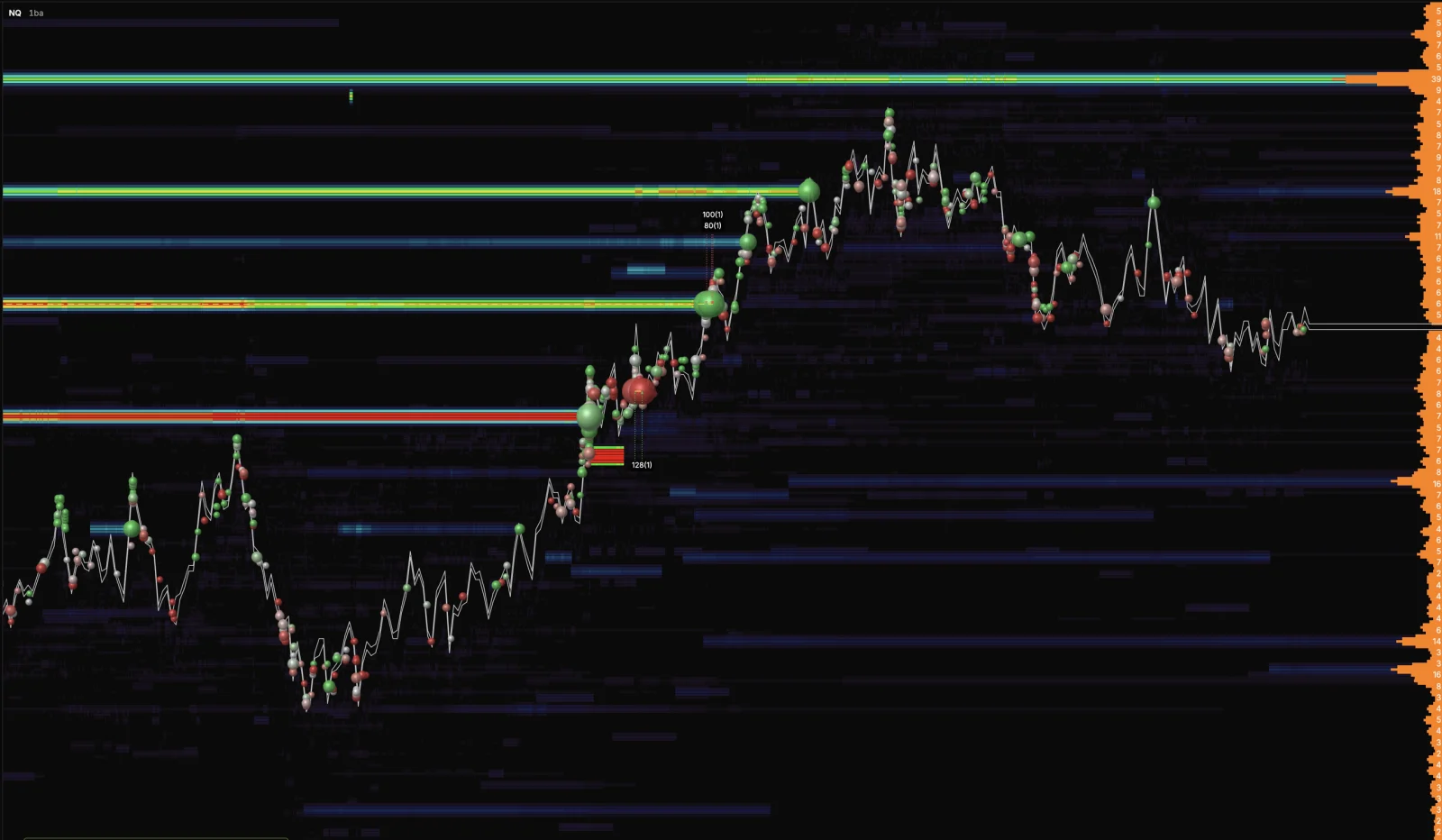
- Tick grouping can be turned off on the heatmap and the side DOM.
- XFlow Script can draw a straight line between two points, and a built in study can be copied as the starting point of your own.
Trading
- Stop loss, take profit and break even can be attached to a pending entry. They are drawn, editable and placed the moment the entry fills.
- New BE button, and Auto SL no longer follows the orders that close a trade.
- The OCO checkbox and the break even trigger now work on live Rithmic accounts.
- The pending Auto SL is a handle on the chart that shows what it would cost.
- Live and replay trading now follow one shared set of trading rules.
Apps and Devices
- Launch is now workspace first, and closing the desktop app asks before an unsaved workspace is lost.
- Tablets get the full desktop chart interface, and the plus button opens a new chart as a tab.
- On a tablet, a long press or a double tap opens the chart menu, and a hold opens the menu of a chart tab.
- If another device takes your dxFeed connection, this one stops competing for it and offers to take it back.
- Phone app 1.0.18.
Fixes
- Fixed phantom range bars appearing across a session boundary.
- Fixed the phone app not returning to the same workspace after the system closed it in the background.
- Fixed a Renko chart loading with only part of its tape.
Final Notes
This update widened what a price chart can be built from and made the engine underneath it uniform.
As always, your feedback continues to guide what we build next.