AlphaNew FeaturesImprovementsFixes
XFlow Charts Version 0.320 Release Notes
This release is focused on layout and on replay trading: how windows and panels are arranged, and how orders behave when you trade a replay.
Here is what changed.
Layout
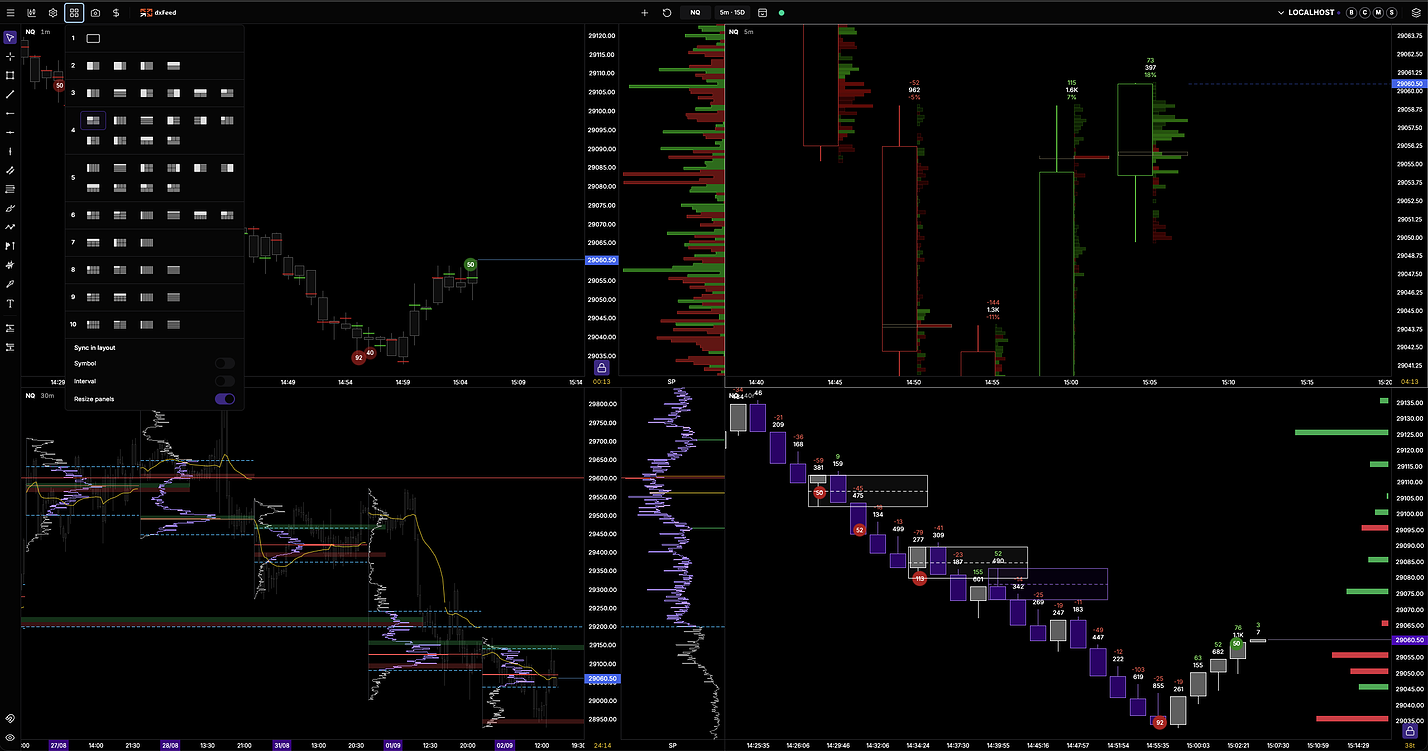
- Chart window tabs. Attach charts as tabs, and open empty split panes to fill later.
- Template and workspace browsers open faster by loading only what they list.
Chart
- Linked crosshair across charts, and a crosshair on columns.
- Higher timeframe candles can float beside the live price.
- Roboto Mono is the new default chart font.
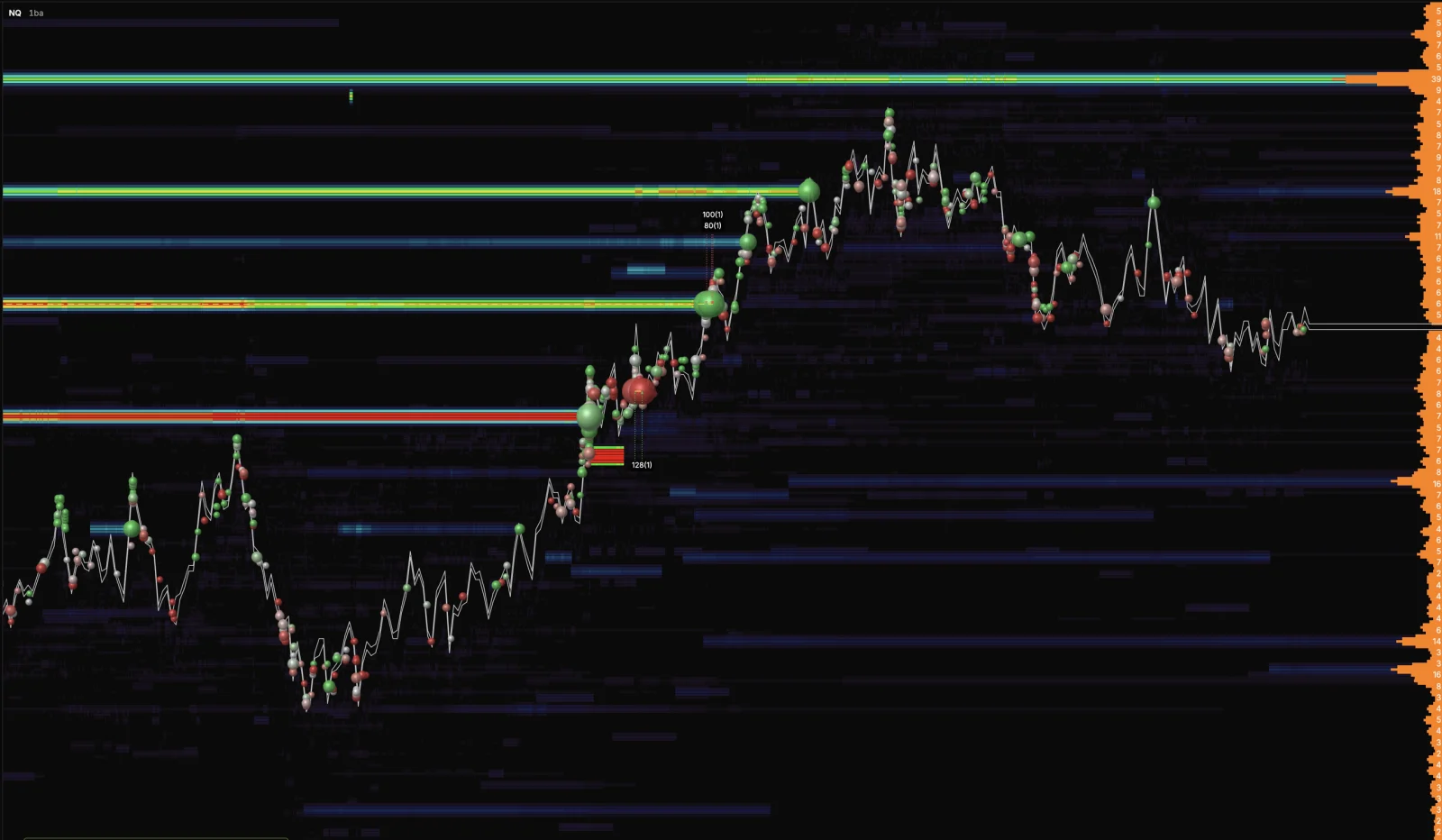
- New Overlay Chart.
- A blocked account now says so, in the words of the broker.
Replay
- Replay keeps split layouts and opens workspaces in place.
- Orders in replay fill on the actual tape. Market orders fill at the revealed print and pending orders on the print that crosses them.
- Indicators update inside the bar during replay, and data refills happen in the background.
- Closing a replay reports its run up and drawdown to the simulated account.
- The replay date picker is limited to the two years of history that dxFeed keeps.
Fixes
- Fixed live range and volume bars being deleted when two trades shared a millisecond.
- Fixed a hole in live bars after reconnecting from a long outage.
- Fixed the live chart reloading itself on a quiet market.
- Fixed the trading panel Daily P/L showing a different account than the selected one.
- Fixed the live tape of one chart leaking into a chart on another symbol.
Final Notes
This update gave you the layout controls that a multi window workflow needs.
Replay fills now follow the tape the same way the live market does.