AlphaNew FeaturesImprovementsFixes
XFlow Charts Version 0.319 Release Notes
This week carried a rebuilt replay flow, a new placement model for indicators and a large pass on speed and memory.
Below is what landed.
Replay
- Replay sessions are grouped and can be continued later, with a new setup dialog and a replay toolbar that matches the live one.
- Indicators read the tape in replay the same way they do live.
Indicators and Layout
- Chart Area placement. Each indicator can sit in the main chart, a shared sub panel or a vertical panel, and the indicator list is grouped by area.
- New Trading Sessions indicator.
- GEX indicators read their data through your own GEXBot key, live and in replay.
- Hover popup on Big Trades and MBO markers.
- Text style everywhere on the chart: weight, italic, border and background.
Data and Performance
- Market data now travels in a binary format end to end, fetched directly from dxFeed.
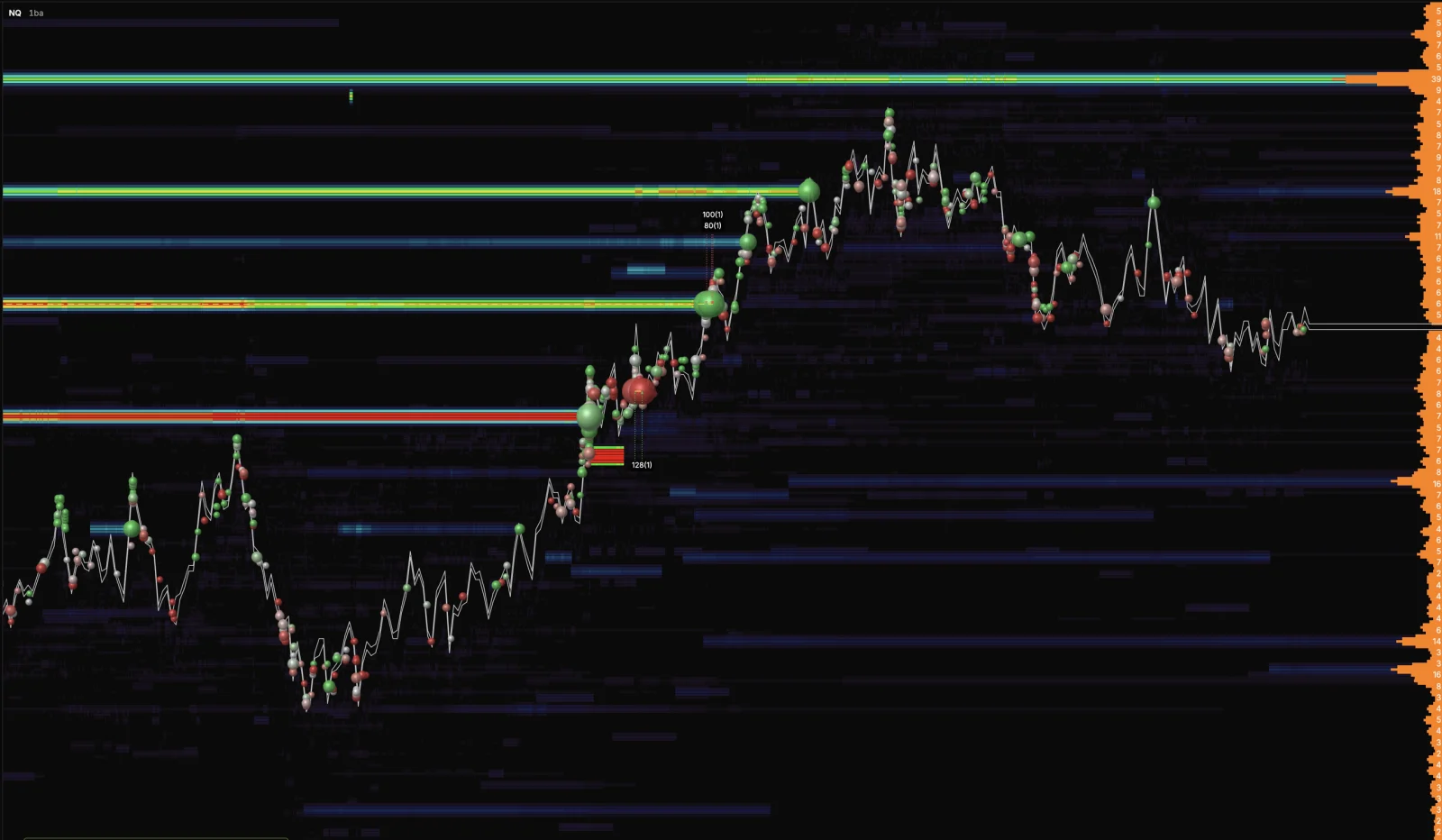
- Chart calculations now run in WebAssembly, and the heatmap draws the full depth of the book.
- Desktop app 1.0.11.
Fixes
- Fixed three causes of slowdowns and crashes on long sessions: a heatmap trail memory leak, CVD recalculating on every frame and a repaint storm when centering the chart.
- Fixed price scale text blurring on Windows displays with fractional scaling.
- Fixed the heatmap wiping its own render caches.
Final Notes
This update changed how replay is started and how indicators are arranged on the chart.
As always, your feedback continues to guide what we build next.